One task per screen, on any phone.
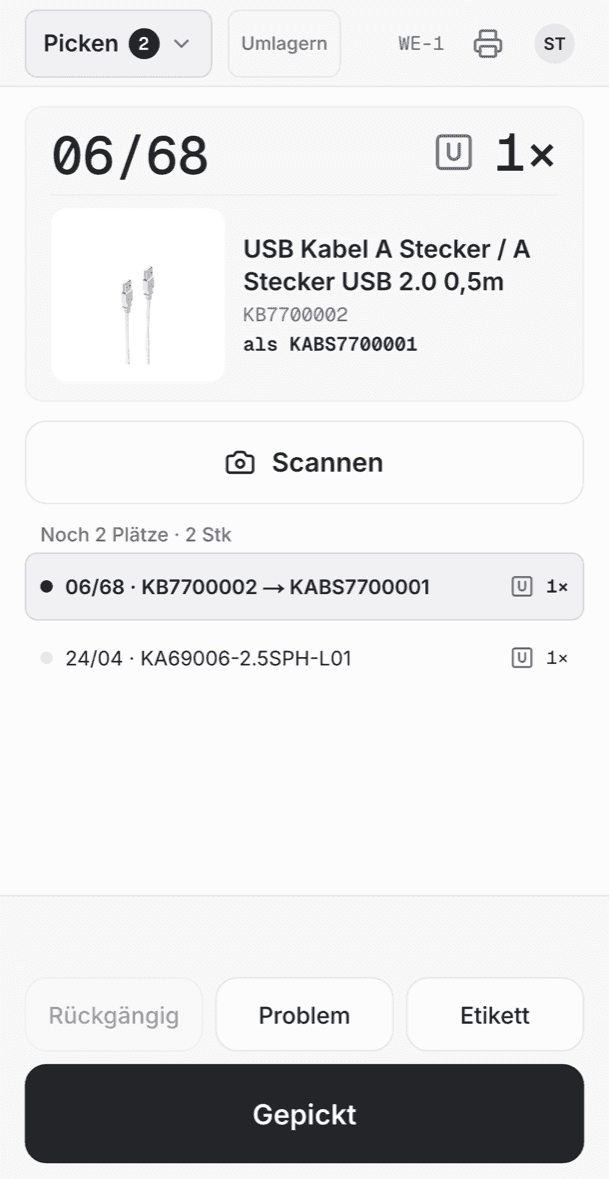
Floor is the part of laeuft your team works in: picking, packing, goods-in and transfers. Each screen shows one physical action (the article, the quantity, the bin) and one big button to confirm it.
The problem
Warehouse software is built for the office, but the work happens standing up.
Dense tables, small buttons and keyboard shortcuts work at a desk. Between shelves, with a scanner in one hand, they cause wrong picks and missing items. Floor is designed for that situation: touch first, scan instead of typing, big targets.

How it works
From the order to the closed box in six steps, without typing.
Ready to scan
GaN charger 65 W
4250937501164
6 pickedQuantity typed
6
01
Scan the article
Floor listens for the scanner without a text field in focus. A scan is recognised as a barcode; digits you type fill the quantity instead. The screen shows what was scanned, nothing is booked silently.
- TakeB-07-3
4
4 pickedScanner Enter only ends the scan
02
Confirm with Enter
Enter, the big button or a hardware key confirms the visible action. The Enter a scanner sends at the end of a scan never confirms anything. Only a deliberate press does.
- Shipping box4 of 4 items
Box 2
Network cable Cat 6, 5 m2/2USB-C hub 7-in-11/1Wireless mouse1/103
Pack into boxes
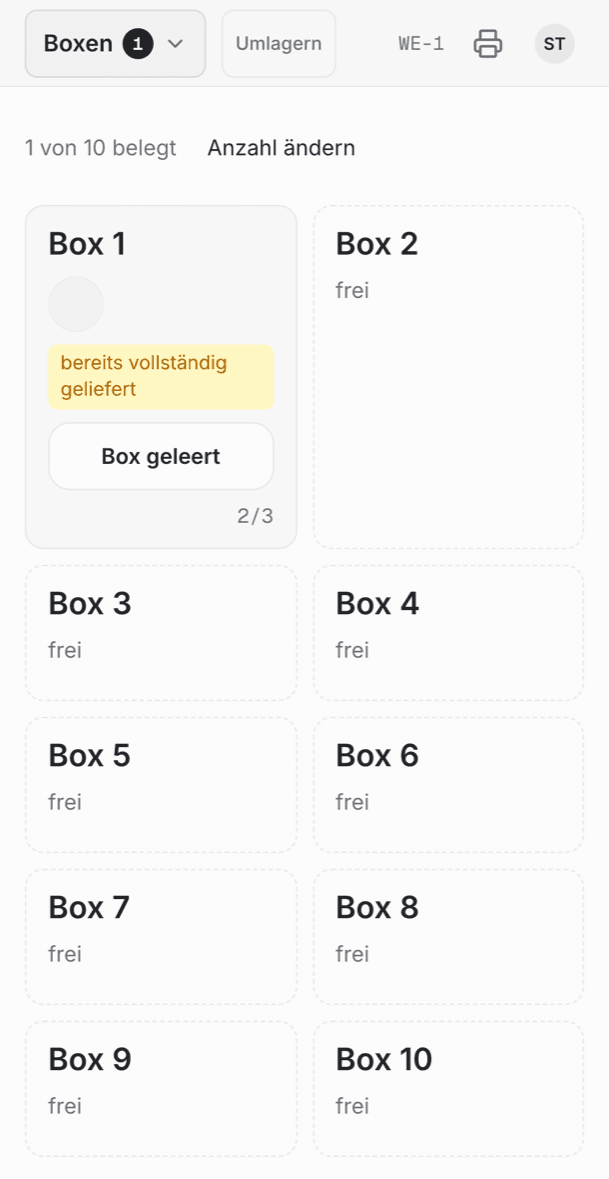
Orders with several items collect in a shipping box until they are complete. Floor shows which box an item belongs to and when a box is ready to pack.
- Pack checkBox 2 · AU-2026-31877USB-C cable 2 m, braided4/4GaN charger 65 W1/1Cable tie set, 20 pcs1/1Everything matches · 0.84 kg
04
Check every item
At the packing table each item is scanned against the order. A wrong article stops the parcel right there, before the label exists.
Report a problem
USB-C-Kabel 2 m · B-07-3
Quantity differsCan't find itDamagedSent to the inbox · next pick
05
Report, don't stop
“Quantity differs”, “Can't find it” and “Report a problem” are always one tap away. They create an inbox item for the office and never block the next task.
- Undo: box 2 packed
Then, one by one
09:146 pcs to R-03-B09:13Box 2 packed09:114 pcs picked from B-07-306
Undo anything
Undo is a fixed button that says exactly what it reverses. It works like a stack: press again and the step before is reversed, through every state.
Goods-in & transfers
Stock per bin and per site.
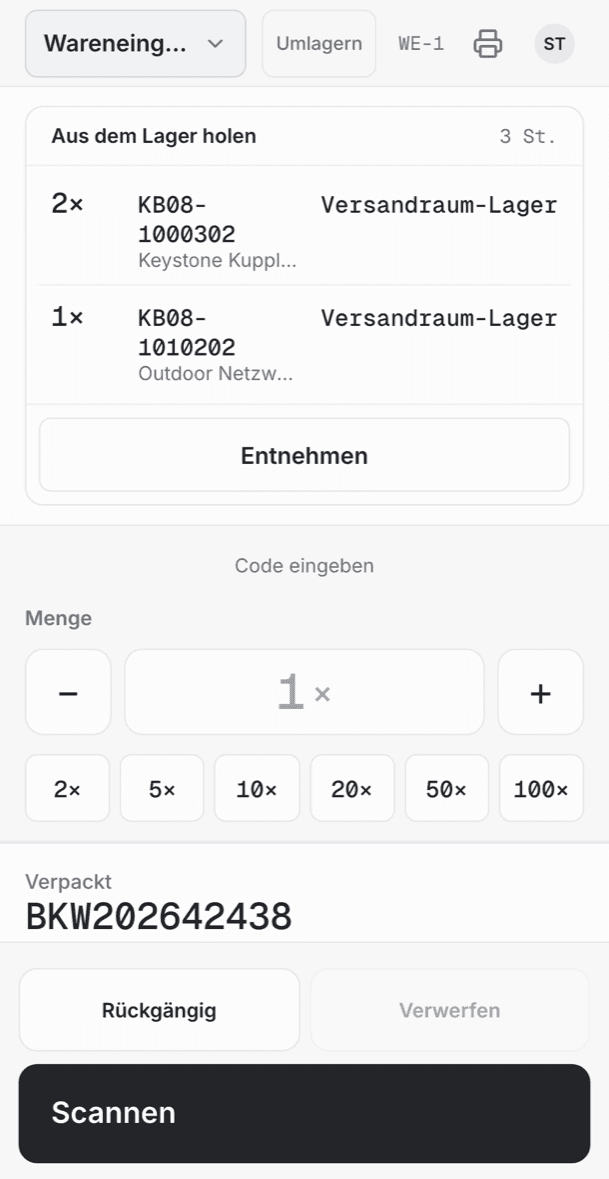
Deliveries are scanned in and resolved to articles and bins. Stock moving between sites is picked on the phone, counts as in transit and is booked in on arrival.
Unknown barcode
6941487 210338
Belongs to
HDMI cable 3 m
KA-30412
UM-2026-0418
3 items · arrives Thu
Real screens
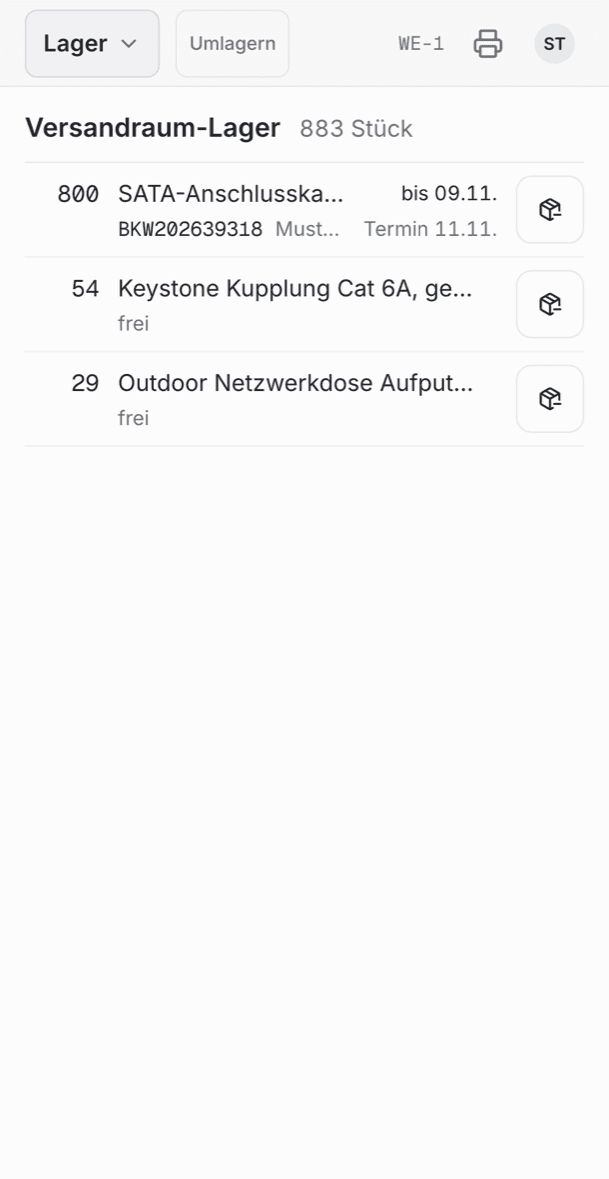
Screenshots of the real Floor.
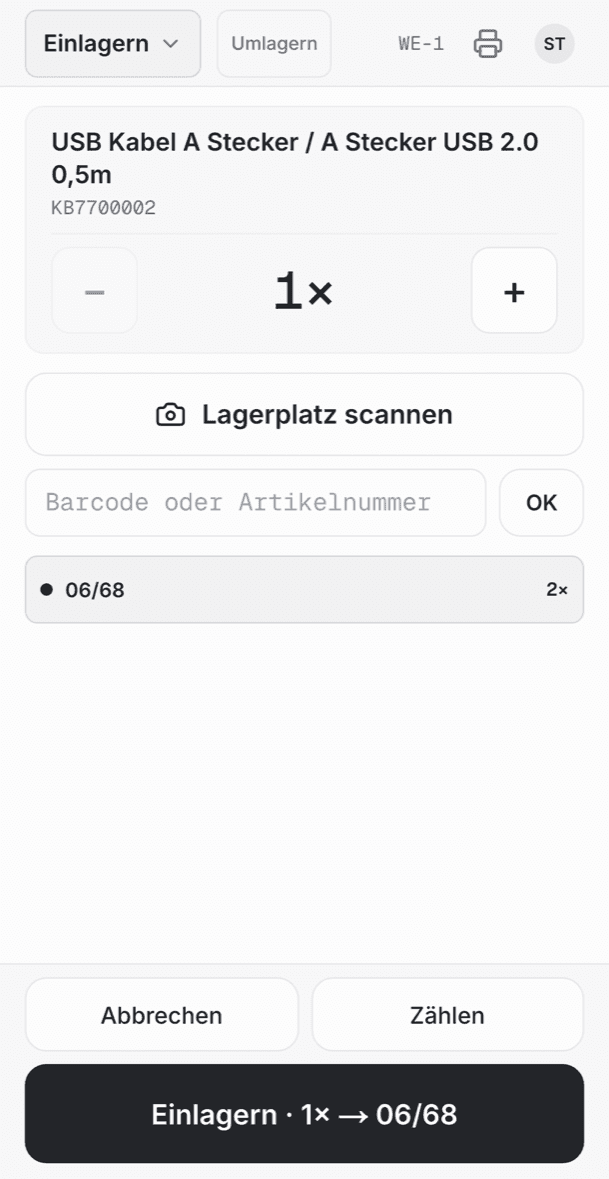
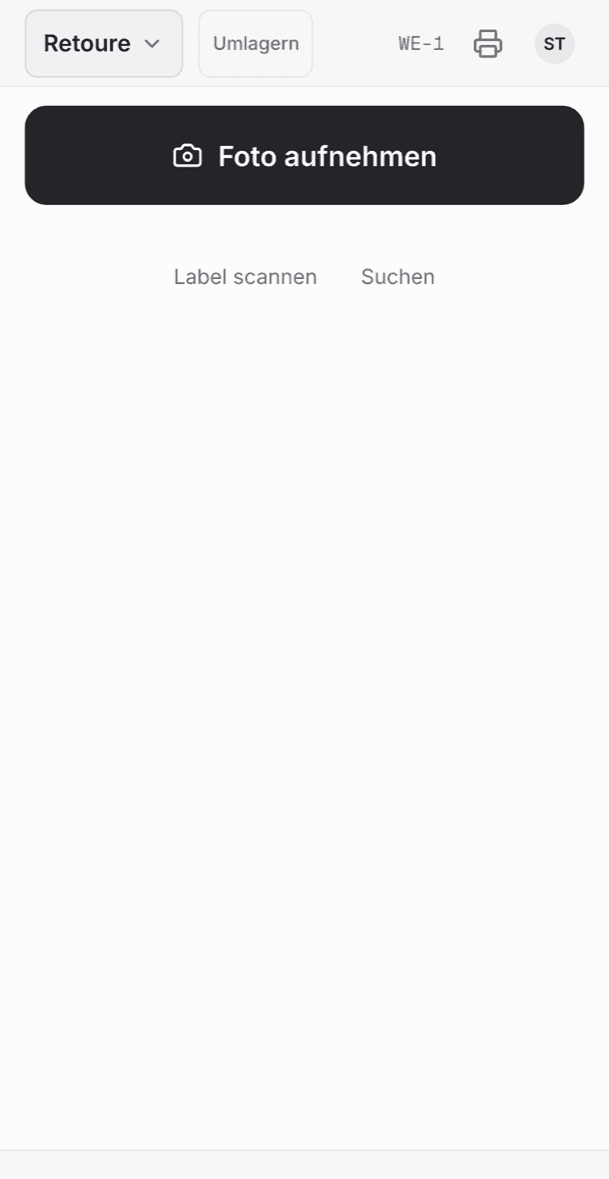
Details
What a sceptical warehouse lead asks.
- Devices
- Any phone or handheld with a browser, a touch station at the packing table, and an iPhone app that uses the camera as scanner. Nothing to install on the handhelds.
- Only one key
- No shortcuts to learn. Enter confirms; everything else is touch, with targets of at least 56 px and an 84 px confirm button.
- Quantities
- Set before or after the scan: type digits, use quick picks or −/+. A complete action clears article, quantity and plan before the next scan is accepted.
- Wrong scans
- An unexpected scan gets a clear message on screen: no silent booking and no jump of focus.
- Unknown barcodes
- A barcode laeuft doesn't know is taught once to its article. From then on it scans like any other.
- Bins
- Stock is kept per bin with corrections and manual reservations. Pick screens name the bin as the target, large and in mono type.
- Two sites, one stock
- Both sites add up to one stock you can sell. Transfers carry their own in-transit stock until they are booked in.
- Results, not toasts
- The result of each action stays visible as a status line above the buttons. Buttons carry their own state (printing, printed, error) and never change size.
- Hints never take over
- A hint can add information, but it never replaces the primary button or the Enter action. The flow stays the same every time.
- Same rules as the office
- Every Floor action is the same capability the back office, the API and agents use, with the same permissions and the same audit log.
Questions
Good to know.
Which scanners work?+
Any scanner that types like a keyboard (HID): handheld devices, ring scanners or desk scanners at the packing table. On the iPhone app, the camera scans.
How long does training take?+
Each screen asks for exactly one thing and shows where to go. There are no menus to learn and no shortcuts. That is the point of one task per screen.
What if someone books the wrong thing?+
Undo reverses the last step, and the one before, in every state. Corrections never delete history. Every booking and its reversal stay in the log.
Does it work with several sites?+
Yes. Each device works at its site; stock across sites is one stock, and transfers move goods between them with their own in-transit state.
Can people still see what's going on in the office?+
Every scan and booking updates the back office live, without sync or reload. Problems reported on the Floor land in the inbox right away.

We onboard sellers one at a time.
Tell us where you sell and how you ship, and we’ll show you laeuft on your own orders.